Why offline matters for clubs in Pakistan
Peak hours at a snooker club often overlap with load-shedding and unreliable internet. Software that only works online stops billing exactly when the club is busiest. QUE TRACK's Windows app is built the other way round: the PC is the main copy of your data, and the internet is only needed to sync.
What works offline on Windows
- Starting and stopping games, live timers and bills
- Adding canteen items to tables and selling stock
- Adding tables, price lists, members, products and expenses
- Putting game and canteen bills on a member's khata
- Game history and today's sales
What needs internet
- Logging in (QUE TRACK checks your account and plan)
- Recording a khata payment
- Syncing, and everything in the Android app
How sync works
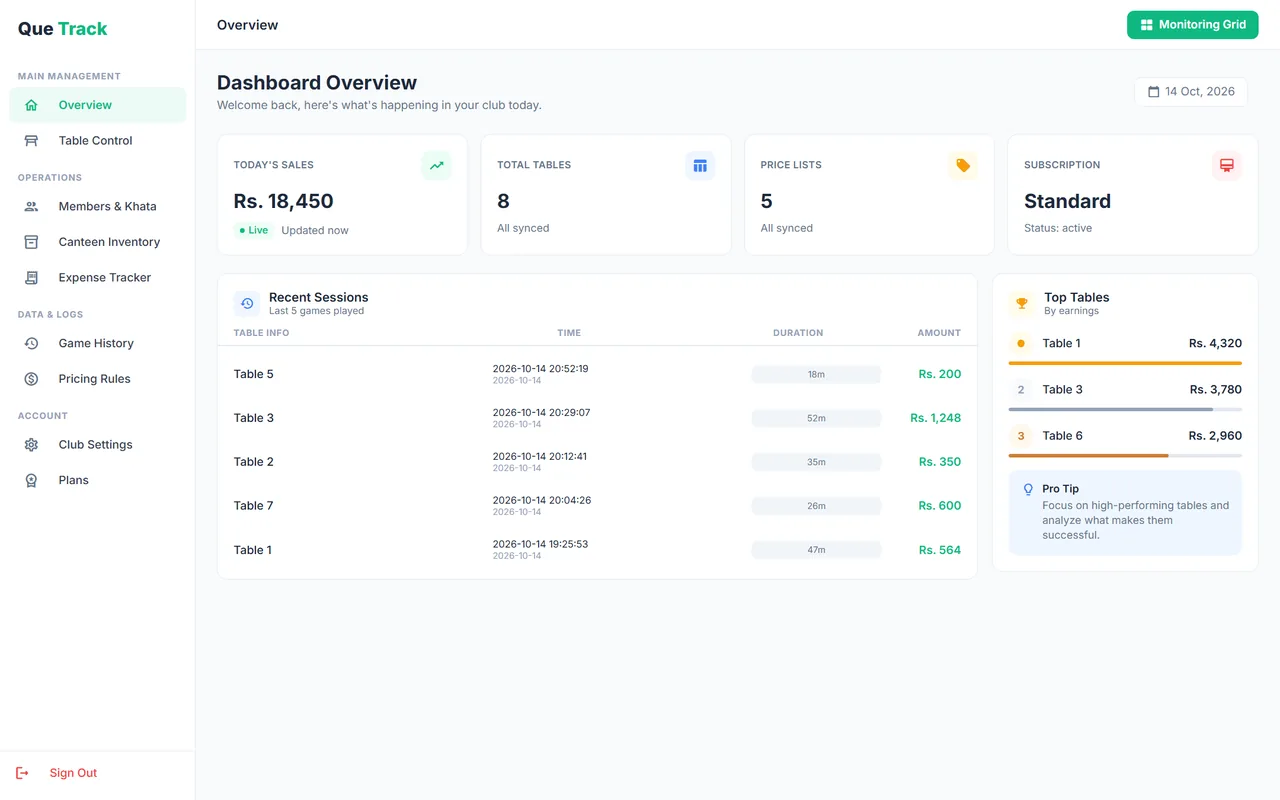
Every change is saved on the PC first and marked as not yet synced. Sync buttons on the dashboard, the live table screen and each section show how many changes are waiting. When you log in, or press Sync (Ctrl+S), QUE TRACK uploads pending changes and deletions, then downloads anything new from your account.
For more background, read why offline-first club software matters in Pakistan.
Offline mode: common questions
Yes, the Windows app does. It saves tables, games, billing, canteen items, members and expenses on your PC first, so you can keep running the club during load-shedding or an internet outage. A few actions need internet: logging in and recording khata payments.
QUE TRACK runs a full sync when you log in, and whenever you press a Sync button (or Ctrl+S). Sync buttons show how many changes are waiting to upload. It does not sync on a timer, so you stay in control of when data goes out.
No. The Android app reads and writes directly to your online account, so it needs an internet connection. Use it to check on the club from your phone; use the Windows app at the counter.
They are marked as deleted on your PC and removed from your online account at the next sync, so they do not come back.
Once synced, your data is stored in two places: on the counter PC and in your online QUE TRACK account. Sync regularly so the online copy is up to date.